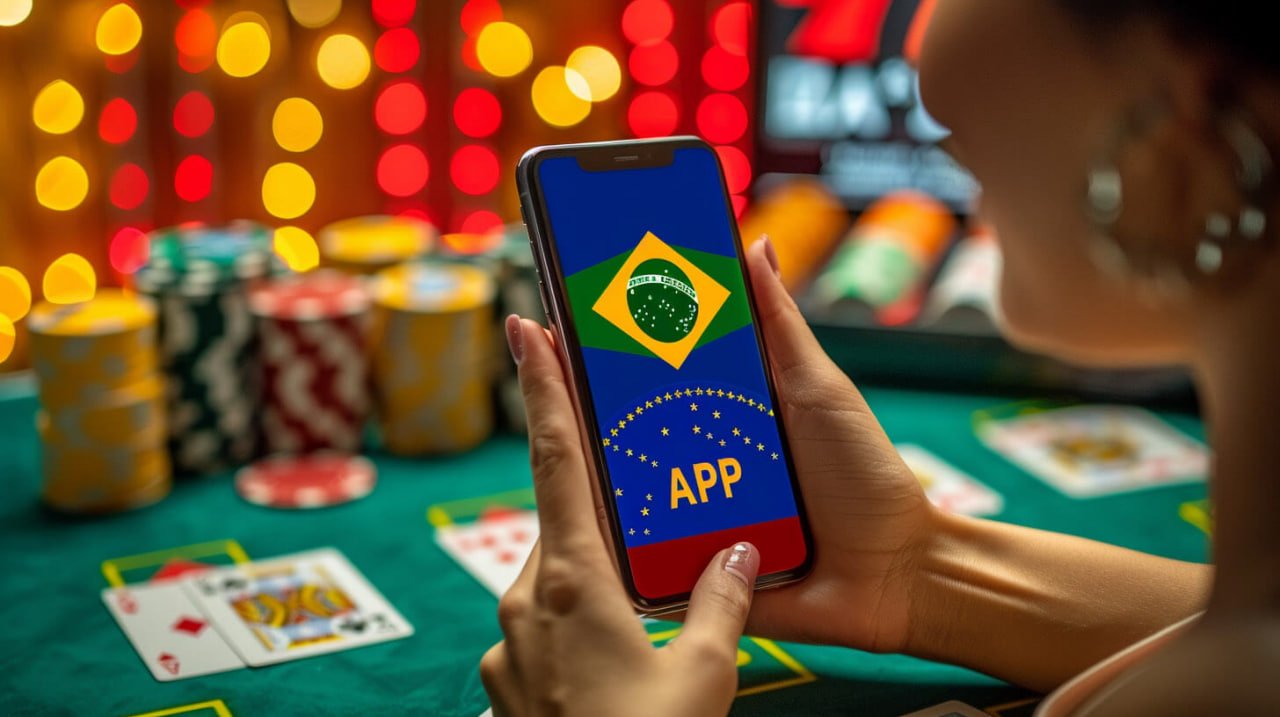
Mobile Access Android Ready iOS Compatible Sports & Casino Fast Install

pinas77 Download — Install the Mobile App and Play Anywhere in the Philippines

This page walks you through how to download and install the pinas77 mobile app on your Android or iOS device. Get full access to sports betting, casino-style games, account management, and PHP payment options — all from your phone, wherever you are in the Philippines.


pinas77 mobile app download screen on an Android phone in the Philippines
Android APK Available iOS Mobile Browser Basketball & Football Casino-Style Games PHP Payments Supported Easy Registration Secure Login 24/7 Help Available Android APK Available iOS Compatible Basketball & Football Casino-Style Games PHP Payments Supported Easy Registration Secure Login 24/7 Help Available

What Is the pinas77 Mobile App?

The pinas77 mobile app is a dedicated application that lets Filipino players access the full platform directly from their Android or iOS device — no desktop required. Once installed, you get a streamlined interface for sports betting, casino-style games, account management, and PHP withdrawals, all optimised for smaller screens. Android users can download the APK file directly from this page and install it in a few quick steps. iOS users can access pinas77 through the mobile browser on Safari for a smooth, app-like experience without needing to visit the App Store. If you are new to the platform, register your account first before downloading so you can log in immediately after installation.

What You Get With the Mobile App

Four reasons Filipino players prefer the pinas77 app over desktop browsing.

Live Sports Betting

Follow basketball, football, and other popular Philippine sports in real time directly from the app. The pinas77 mobile interface keeps odds updated live so you never miss a market movement during a match. Bet on PBA games, international football leagues, and more without switching to a desktop browser. The sports section is laid out for quick navigation even on smaller Android and iOS screens.

Casino-Style Games On the Go

Access slots, live dealer tables, and other casino-style games from anywhere in the Philippines using the pinas77 app. The game library loads quickly on mobile data and Wi-Fi connections, giving you a smooth experience whether you are at home or commuting. Live dealer games stream in real time so the experience feels just as immersive as playing on a full desktop setup. Check the bingo section for additional game options available on mobile.

PHP Deposits & Withdrawals

Manage your Philippine peso balance, request withdrawals, and track transaction history all from within the app. Supported local payment channels including e-wallets and bank transfers are fully accessible on mobile, so you do not need to switch to a computer to cash out. The withdrawal section works seamlessly through the app interface with the same processing times as desktop. All payment details are saved securely to your account for faster future transactions.

Full Account Access

Log in, register, update your profile, and manage security settings directly from the pinas77 mobile app. New Filipino players can complete the full registration process on mobile in under two minutes without needing a desktop device. Existing members can log in to their account immediately after installing the app and pick up right where they left off. Push-friendly notifications keep you updated on promotions and account activity.

How to Install pinas77 on Your Phone

1

Android — Enable Unknown Sources

On your Android device, go to Settings, then Security or Privacy, and enable the option to install apps from unknown sources. This is a one-time step required because the pinas77 APK is downloaded directly rather than through the Google Play Store. The setting can be turned off again after installation if you prefer. Most Android phones running version 8 or above will prompt you automatically when you open the APK file.

2

Download the APK File

Tap the download button on this page using your Android browser to save the pinas77 APK file to your device. The file is lightweight and downloads quickly even on a standard mobile data connection. Make sure you have enough storage space — the app requires minimal space compared to most entertainment apps. Once the download is complete, you will find the file in your Downloads folder or in your browser's notification bar.

3

Open and Install

Tap the downloaded APK file and follow the on-screen prompts to complete the installation. The process takes under a minute on most Android devices. Once installed, the pinas77 icon will appear on your home screen or app drawer. iOS users do not need to install anything — simply open pinas77 in Safari and add it to your home screen using the Share button for quick access.

4

Log In or Register

Open the app and sign in with your existing pinas77 credentials, or tap Register to create a new account directly from the mobile app. New members can complete the full sign-up process in under two minutes. If you run into any issues during installation or login, the FAQ page has a dedicated mobile section with step-by-step troubleshooting for Filipino users.

Step-by-step pinas77 APK installation on an Android device in the Philippines

Device & System Compatibility

A quick reference for Filipino players checking if their device is supported.

Platform Method Minimum Version Notes
Android APK Direct Download Android 8.0+ Enable unknown sources before installing
iOS (iPhone / iPad) Mobile Browser (Safari) iOS 13+ Add to Home Screen for app-like access
Desktop Browser Web (Chrome / Firefox) Any modern browser Full features available via browser

Pages that work alongside your mobile app experience.

Current Promotions

Check what bonus offers are live on pinas77 before your next deposit. Many promotions are accessible directly through the mobile app, so you can claim them without switching to a desktop browser.

View Promotions

Withdrawal on Mobile

Request PHP cashouts directly from the app using GCash, Maya, or local bank transfer. The withdrawal dashboard is fully mobile-optimised so the process is just as smooth as on desktop.

Withdrawal Info

App Help & FAQ

Having trouble installing or logging in on mobile? The FAQ section has a dedicated category for app-related questions, written in plain Philippine English for local users.

Read the FAQ

Common Questions About the pinas77 App

Straight answers for Filipino players downloading the app for the first time.

Yes — the pinas77 app is completely free to download and install on your Android device. There are no fees associated with downloading the APK file or accessing the platform through the mobile browser on iOS. The only funds involved are the deposits and withdrawals you make within your account. iOS users can access the full platform through Safari at no cost and add it to their home screen for a native app-like experience. If you have not yet created an account, register for free before installing so you can log in right away.

Android devices block APK files from outside the Google Play Store by default as a security measure. Because the pinas77 app is distributed as a direct APK download, you need to allow your device to install apps from unknown sources before the installation can proceed. This is a standard step for many entertainment and gaming apps in the Philippines that are not listed on the Play Store. You can re-disable the setting after installation if you prefer to keep your device's default security settings. The FAQ page has a visual walkthrough of this process for common Android models used in the Philippines.

Yes — iOS users in the Philippines can access pinas77 through the Safari mobile browser without needing to download a separate app. The mobile website is fully responsive and works smoothly on iPhone and iPad running iOS 13 or later. To get a home screen shortcut that feels like a native app, tap the Share button in Safari and select "Add to Home Screen." All features including sports betting, casino-style games, account management, and PHP withdrawals are available through the iOS browser. For any iOS-specific questions, check the FAQ section for detailed guidance.

The pinas77 mobile app gives you access to the full range of sports and games available on the desktop platform. Sports coverage includes basketball, football, and other events popular among Filipino bettors, with live odds updated in real time. Casino-style games include slots, live dealer tables, and specialty games like bingo — visit the bingo section to see what is currently available. The mobile interface is designed to load game content quickly on both Wi-Fi and mobile data connections common in the Philippines. New game categories and sports markets are added regularly, so the app stays fresh for returning players.

If the pinas77 app does not open or behaves unexpectedly after installation, the first step is to check that your Android version meets the minimum requirement of Android 8.0 or above. Clearing the app cache from your device settings can also resolve most launch issues without needing to reinstall. If you downloaded the APK on a slow connection, the file may be incomplete — try deleting it and downloading again on a stable Wi-Fi connection. For login issues specifically, make sure your account credentials are correct by testing them on the desktop site first. The FAQ page covers the most common installation and login problems reported by Filipino users with step-by-step fixes.
Filipino player using the pinas77 mobile app to bet on sports

Ready to Play on Mobile?

Download the pinas77 app today and get full access to sports betting, casino-style games, and PHP payments from your Android or iOS device. New to pinas77? Create your free account in under two minutes and start exploring everything the platform has to offer Filipino players.